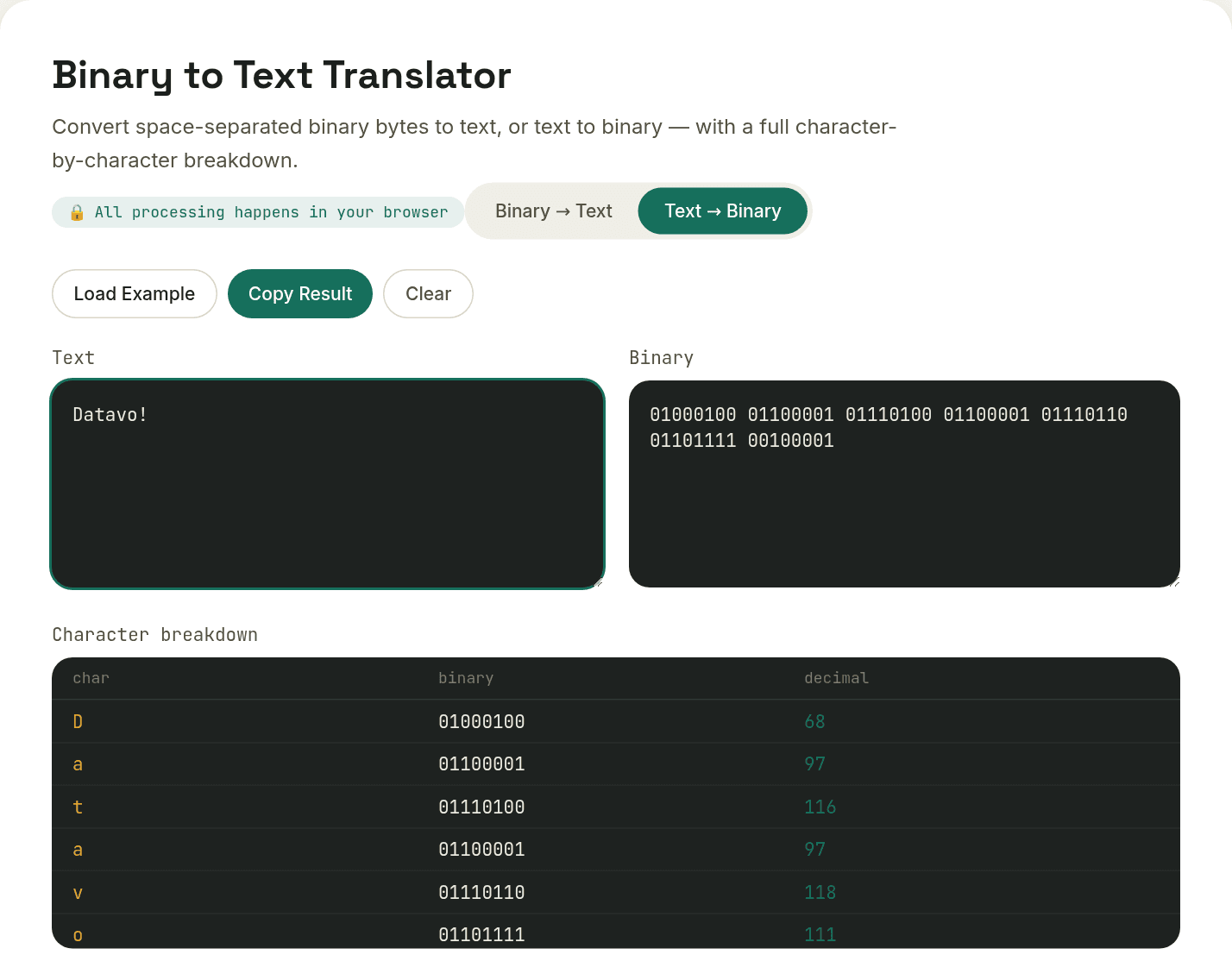
Binary to Text Translator
Translate binary code to readable English text, or text to binary — with a full character-by-character breakdown.
Curious how the byte math works? Read: Binary to Text: How Computers Actually Store Characters
Wondering why emoji or accents don't decode right? Read: ASCII vs. Unicode: Why One Byte Isn't Always Enough
How it works
This tool converts between plain text and its binary representation using ASCII/Unicode character codes — each character becomes an 8-bit byte, and each 8-bit group converts back to exactly one character, entirely in your browser.
When you’d use this
- Decoding a binary string from a programming exercise, CTF challenge, or networking assignment
- Understanding how text is actually stored at the byte level before working with hex or Base64 encoding
- Converting a short message to binary for a digital logic or computer science demonstration
Common questions
What is a binary to text converter?+
A binary to text converter translates sequences of 0s and 1s into human-readable characters. It works by splitting the binary string into 8-bit groups, converting each group to its decimal value, then mapping that decimal value to a character using the ASCII/Unicode standard — the same table your computer uses internally to store text.
How do you convert binary to text manually?+
Split the binary string into groups of 8 bits, then for each group, treat it as a base-2 number and convert it to decimal (each bit position, read right to left, is worth 1, 2, 4, 8, 16, 32, 64, or 128). Look up that decimal number in an ASCII table to get the character — 01001000 converts to 72, which is capital H.
Why is each character exactly 8 bits (1 byte)?+
Standard ASCII text uses one byte per character, and a byte is defined as 8 bits — giving 256 possible values (0-255), more than enough to cover the English alphabet, digits, punctuation, and control characters. Some Unicode characters beyond basic ASCII use multiple bytes, which this tool doesn't handle.
Why do I need spaces between each binary byte?+
Without a separator, the tool can't tell where one 8-bit character ends and the next begins — 0100100001101001 could be split many different ways. A space after every 8 bits removes the ambiguity.
Does this tool handle emoji or non-English characters?+
This tool uses standard single-byte character codes, which covers basic English text reliably. Emoji and many non-Latin characters require multi-byte Unicode encoding (UTF-8), which follows different, more complex rules than the simple one-byte-per-character mapping shown here.