August 11, 2026
ASCII vs. Unicode: Why One Byte Isn't Always Enough
ASCII represents text using exactly one byte (8 bits) per character, which caps it at 256 possible characters — enough for English text and basic punctuation, but nowhere near enough for the world's other alphabets, symbols, and emoji. Unicode solves the coverage problem by assigning a unique number to over a million characters; UTF-8 solves the storage problem by encoding those numbers using a variable 1 to 4 bytes per character instead of a fixed size.
Why UTF-8 uses a variable number of bytes
Unicode code points range up to U+10FFFF, which needs 21 bits to represent — too many for a single byte, but wasteful to always spend 4 bytes on simple characters. UTF-8 solves this by using 1 byte for the first 128 code points (identical to ASCII), 2 bytes for the next range, and 3 or 4 bytes for less common characters and symbols further out, including most emoji.
Why plain English text is unaffected
The first 128 UTF-8 code points map exactly onto ASCII — same numbers, same single-byte encoding. This is why plain English text is byte-for-byte identical whether you call it ASCII or UTF-8, and it's exactly why UTF-8 became the dominant encoding on the web: adopting it never broke existing ASCII-only systems.
What this means for a byte-by-byte binary-to-text tool
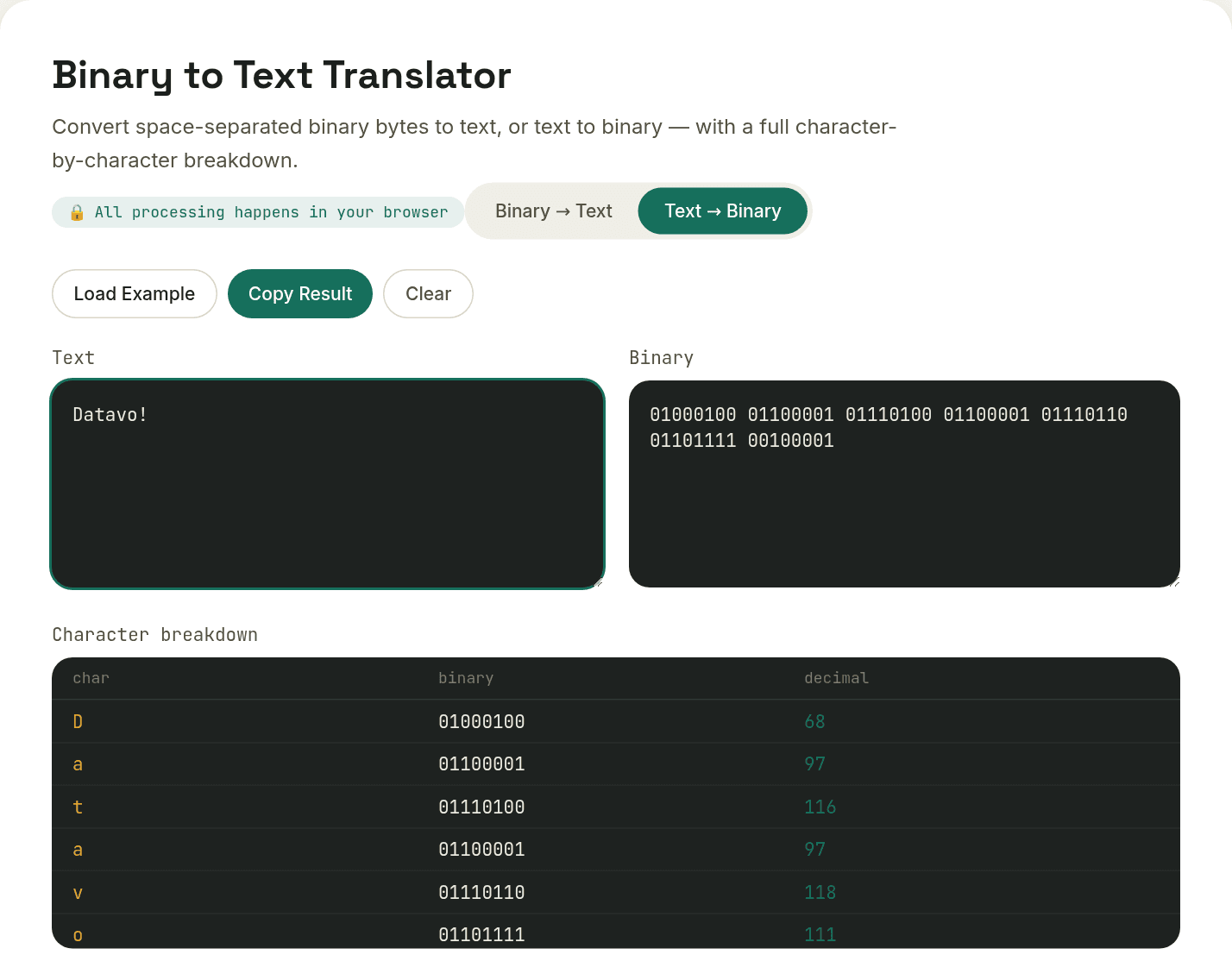
A simple binary-to-text converter that assumes one byte equals one character — the pattern this site's own tool uses — works perfectly for standard English text, but breaks down the moment the original text contains an accented letter, a non-Latin character, or an emoji, since those require multiple bytes working together to represent a single character. Decoding byte-by-byte in that case produces garbled fragments instead of the intended character.
Want to try this yourself?
Open Binary to Text Translator →