July 19, 2026
Binary to Text: How Computers Actually Store Characters
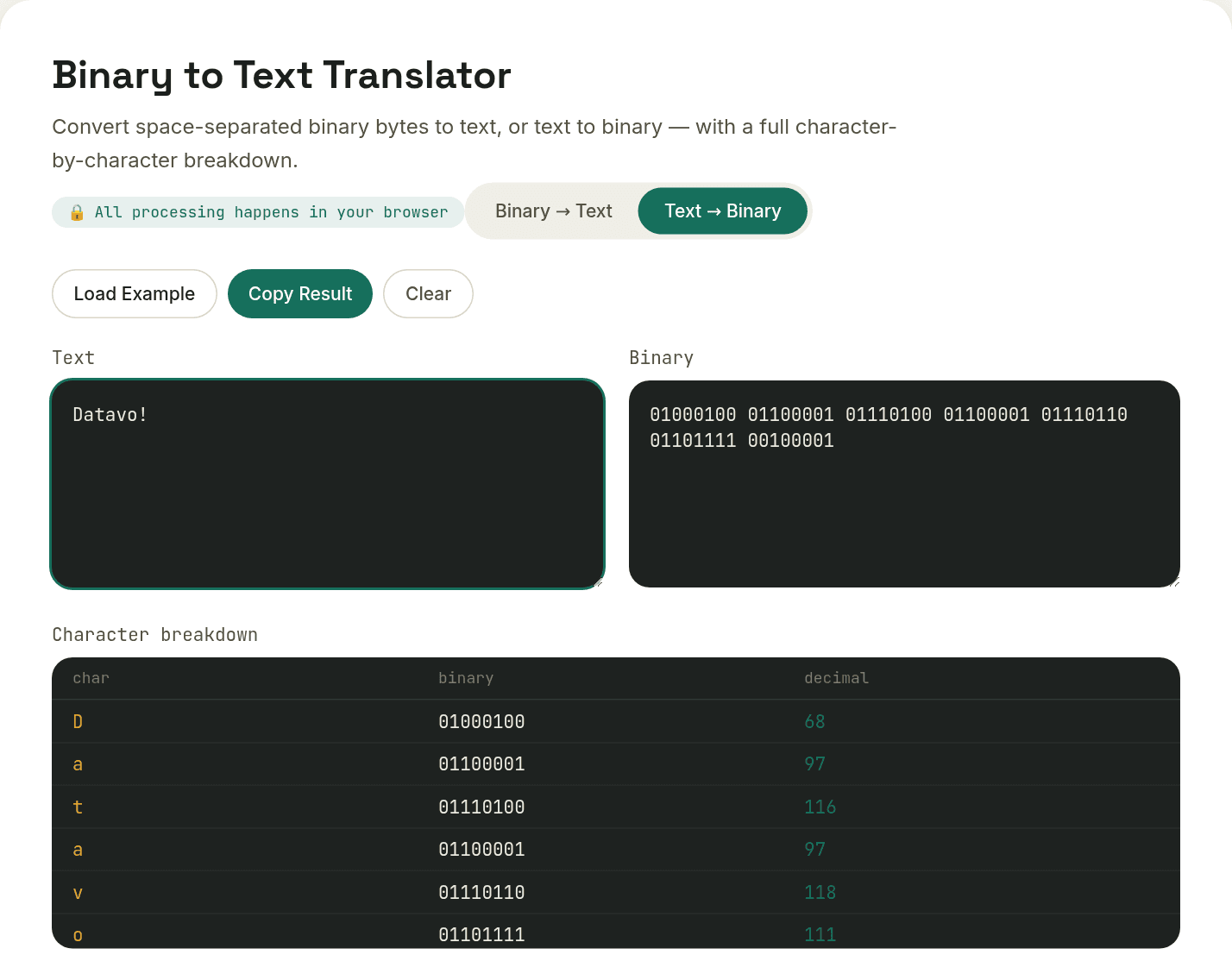
Converting binary to text means splitting the binary string into 8-bit groups, converting each group to decimal, then mapping that decimal value to a character using the ASCII/Unicode standard. A computer stores every character on your screen as a number in the first place — binary is just that number written in 0s and 1s instead of the familiar base-10 digits.
The 8-bit byte and ASCII
Group binary digits into chunks of 8 and you get a byte, which can represent any number from 0 to 255. ASCII, the original character-encoding standard, assigns each of the first 128 of those numbers to a specific character: 65 is capital A, 97 is lowercase a, 48 is the digit 0. Converting binary to text is really just converting binary to decimal, then looking up that decimal number in the ASCII table.
01001000 = 72 = 'H'
01100101 = 101 = 'e'
01101100 = 108 = 'l'
01101100 = 108 = 'l'
01101111 = 111 = 'o'
Why ASCII wasn't enough
128 characters covers unaccented English letters, digits, and basic punctuation — nothing else. No accented letters, no non-Latin alphabets, no emoji. That limitation is why Unicode exists: a single standard mapping over a million possible characters to numeric "code points," covering essentially every writing system in use.
UTF-8: the encoding that makes Unicode practical
- UTF-8 represents each Unicode code point using 1 to 4 bytes
- The first 128 characters (plain English text) use exactly 1 byte — identical to classic ASCII, which is why UTF-8 is backward-compatible with it
- Characters outside that range (accented letters, CJK characters, emoji) use 2-4 bytes, with specific bit patterns that mark a byte as "this is part of a multi-byte character"
That backward compatibility is exactly why UTF-8 won as the dominant encoding on the web: a plain-English document is byte-for-byte identical whether it's read as ASCII or UTF-8, so adopting Unicode never broke existing English-only systems.
Where binary-to-text conversion actually gets used
Outside of computer-science exercises, you'll run into binary representations of text in low-level networking and protocol debugging, digital logic and electronics courses, and the occasional puzzle or CTF challenge. Translating between binary and text by hand is slow and error-prone — a converter exists precisely so you don't have to do the byte-by-byte lookup manually.
Want to try this yourself?
Open Binary to Text Translator →