July 24, 2026
XML to CSV: Flattening a Hierarchy into a Grid
Converting XML to CSV works cleanly when the XML is a flat, uniform list of repeated elements — each repeated element becomes a row, and its child elements become columns. Nested or attribute-heavy XML needs flattening decisions a converter makes on your behalf, like dot-notating a nested field into a single column name.
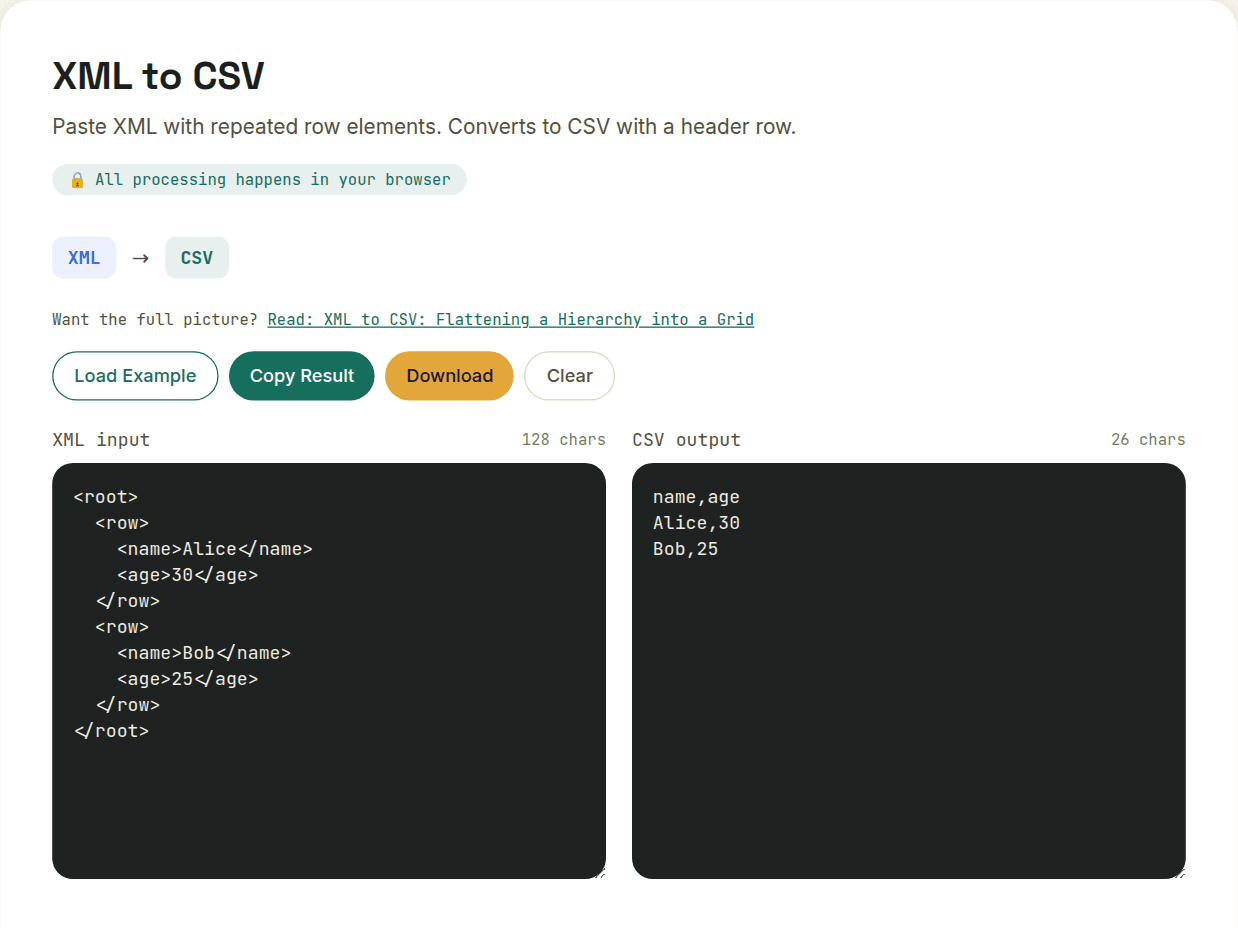
The easy case: a flat list of similar records
If your XML is structured as a repeated set of sibling elements with the same shape — think a list of <product> elements each with the same set of child elements — the conversion is close to mechanical. Each repeated element becomes a row, and each of its distinct child-element names becomes a column.
The harder case: nested or variable structure
Real XML often nests deeper than one level, or different records have different sets of child elements. A converter has to flatten nested elements into dot-notated or underscore-notated column names (address.city becomes its own column), and when records don't share the same fields, the resulting CSV needs a column for every field seen across all records — with empty cells for rows missing a given field.
Attributes need to be folded in too
XML attributes (<product id="42">) carry data just like child elements do, so a faithful conversion needs to include them as their own columns rather than silently dropping them — something worth verifying, since attribute-only data is an easy thing for a naive converter to miss.
What genuinely can't survive the trip
- Repeated child elements within a single record (multiple <tag> elements inside one <product>) — these get serialized into a single cell somehow, usually joined by a delimiter, losing their individual structure
- Deeply nested hierarchies — three or more levels of nesting produce increasingly unwieldy column names
- Mixed content and comments — XML comments and interleaved text have no CSV equivalent at all
For genuinely tabular XML — the kind that was arguably a spreadsheet with extra markup to begin with — this conversion is straightforward and reliable. For deeply structured or document-style XML, treat the CSV output as a useful flattened summary rather than a complete, lossless mirror of the original.
Want to try this yourself?
Open XML to CSV →