July 21, 2026
JSON to XML: Converting Between a Data Format and a Document Format
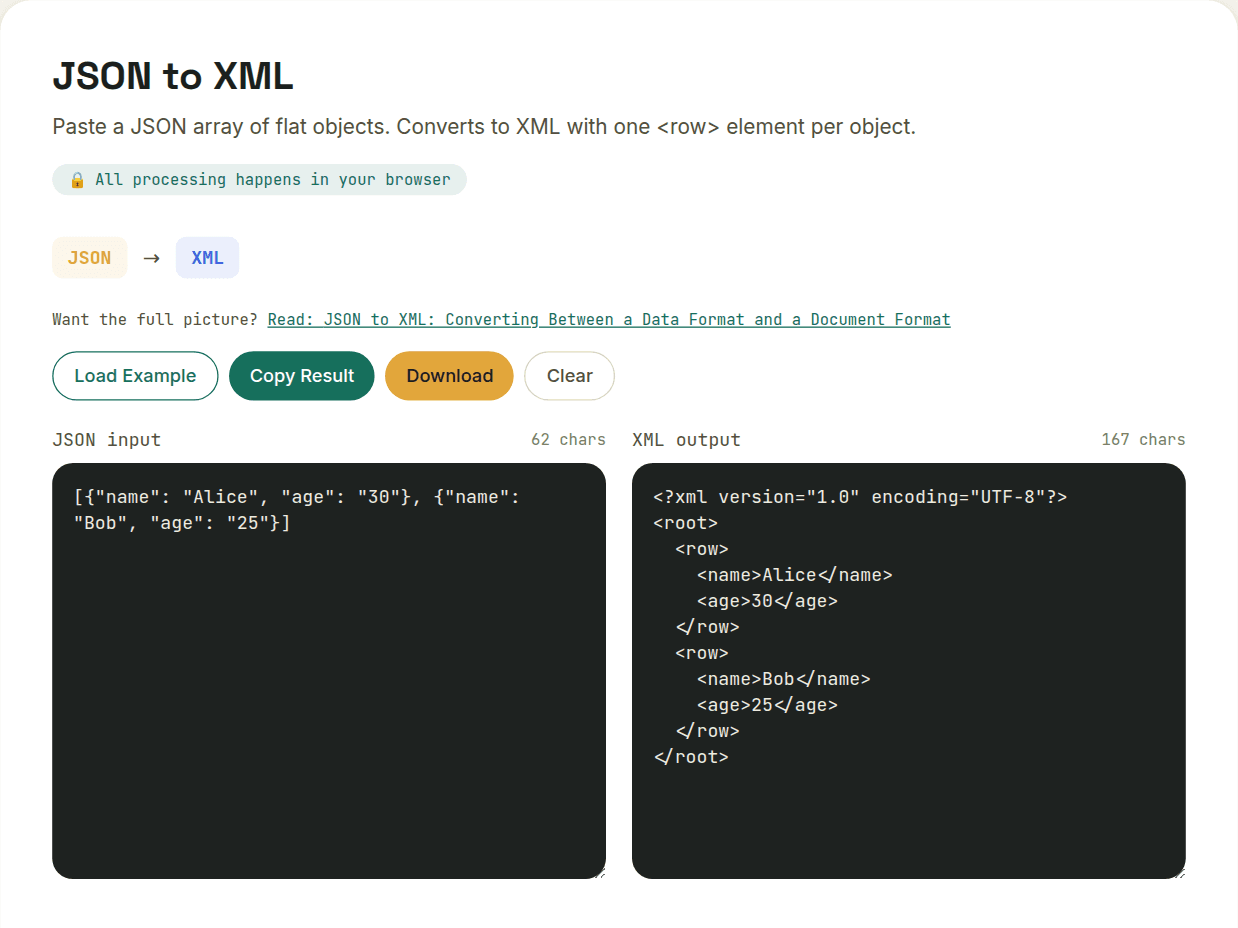
Converting JSON to XML wraps each object in an element (commonly <row>) with each field becoming a child element — since both formats support nesting, this conversion is more direct than going to or from CSV, with no flattening required. The one thing JSON has no equivalent for is XML attributes, so a straightforward converter renders every field as a child element rather than guessing which ones should be attributes.
Objects map to elements
A JSON object's keys become XML child elements, and the values become that element's content. { "name": "Sam", "age": 29 } becomes <name>Sam</name><age>29</age> nested inside some wrapper element — XML requires a single root element, which JSON doesn't, so a converter has to introduce one (commonly <root> or something contextually named).
Arrays are where it gets ambiguous
JSON arrays don't have a direct XML equivalent — XML represents repetition through multiple sibling elements with the same tag name, not through a single "array" construct. A JSON array of three items typically becomes three sibling elements with the same name, e.g. "tags": ["a","b","c"] becomes <tags>a</tags><tags>b</tags><tags>c</tags>. This is a reasonable convention, but it means the resulting XML doesn't distinguish "one element that happens to repeat" from "a field that's always an array" the way the original JSON did.
Attributes vs. elements — a decision XML forces that JSON doesn't
XML supports metadata as attributes (<user id="42">) as well as child elements (<user><id>42</id></user>) — a distinction JSON has no concept of at all. A straightforward JSON-to-XML converter renders every JSON key as a child element rather than guessing which fields should be attributes, since JSON gives no signal either way.
// JSON
{ "user": { "id": 42, "name": "Sam" } }

// XML
<user>
  <id>42</id>
  <name>Sam</name>
</user>
When this conversion actually comes up
- Integrating with a legacy SOAP or XML-based API from a JSON-native application
- Feeding data into a system that requires XML for schema validation
- Generating XML feeds or config files from JSON data produced elsewhere in a pipeline
For data with a genuinely flat, simple structure, the round trip through JSON and back is close to lossless. The moment attributes, mixed text-and-element content, or XML namespaces enter the picture, treat the conversion as a starting point to refine by hand rather than a perfect mirror.
Want to try this yourself?
Open JSON to XML →