August 19, 2026
How Data URLs Work: Embedding Images With Base64
A data URL embeds a file's content directly inside HTML or CSS as text, using the format data:[mime-type];base64,[encoded-data] — the browser decodes it inline the moment it parses the page, with no separate network request needed to fetch the image.
The exact syntax
<img src="data:image/png;base64,iVBORw0KGgoAAAANSUhEUgAA..." alt="...">
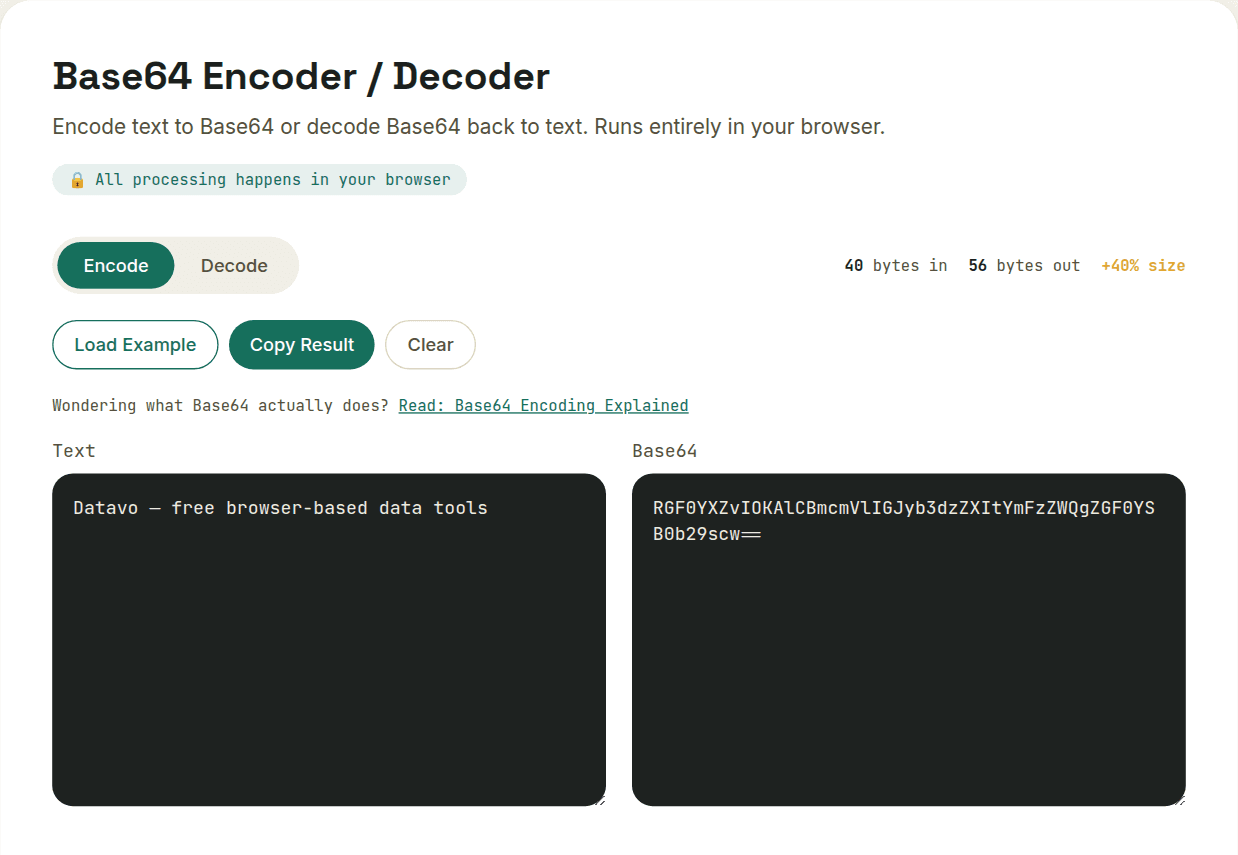
The MIME type (image/png, image/jpeg, image/svg+xml) tells the browser how to interpret the decoded bytes; the base64 segment after the comma is the actual image data, Base64-encoded the same way any binary data is. CSS uses the identical format inside a url() value for background images.
The real tradeoff: fewer requests, bigger file
Base64 encoding inflates the data by roughly 33%, and — unlike a normal image file — a data URL can't be cached independently by the browser, since it lives inside the HTML or CSS document itself and expires whenever that document does. That's a real cost for anything that appears on multiple pages, since a cacheable external file is fetched once and reused, while an inlined data URL gets re-downloaded as part of every page that embeds it.
When it's actually worth it
Data URLs make sense for small, simple, rarely-changing assets — icons, small logos, tiny placeholder images — where the overhead of a separate HTTP request would cost more than the 33% size increase saves. For anything larger or reused across many pages, a normal cached image file almost always performs better overall, despite the extra request.
Want to try this yourself?
Open Base64 Encoder / Decoder →