August 12, 2026
Flattening Nested JSON for CSV: What Happens to Arrays and Deep Objects
Flattening nested JSON for CSV turns a nested object into dot-notated column names (address.city), but arrays don't have as clean an answer — a CSV cell can't hold a list, so a converter has to pick a convention: serialize the array as a JSON string inside one cell, join its values with a delimiter, or create numbered columns (tags.0, tags.1). None of these preserve the array as cleanly as dot notation preserves a nested object.
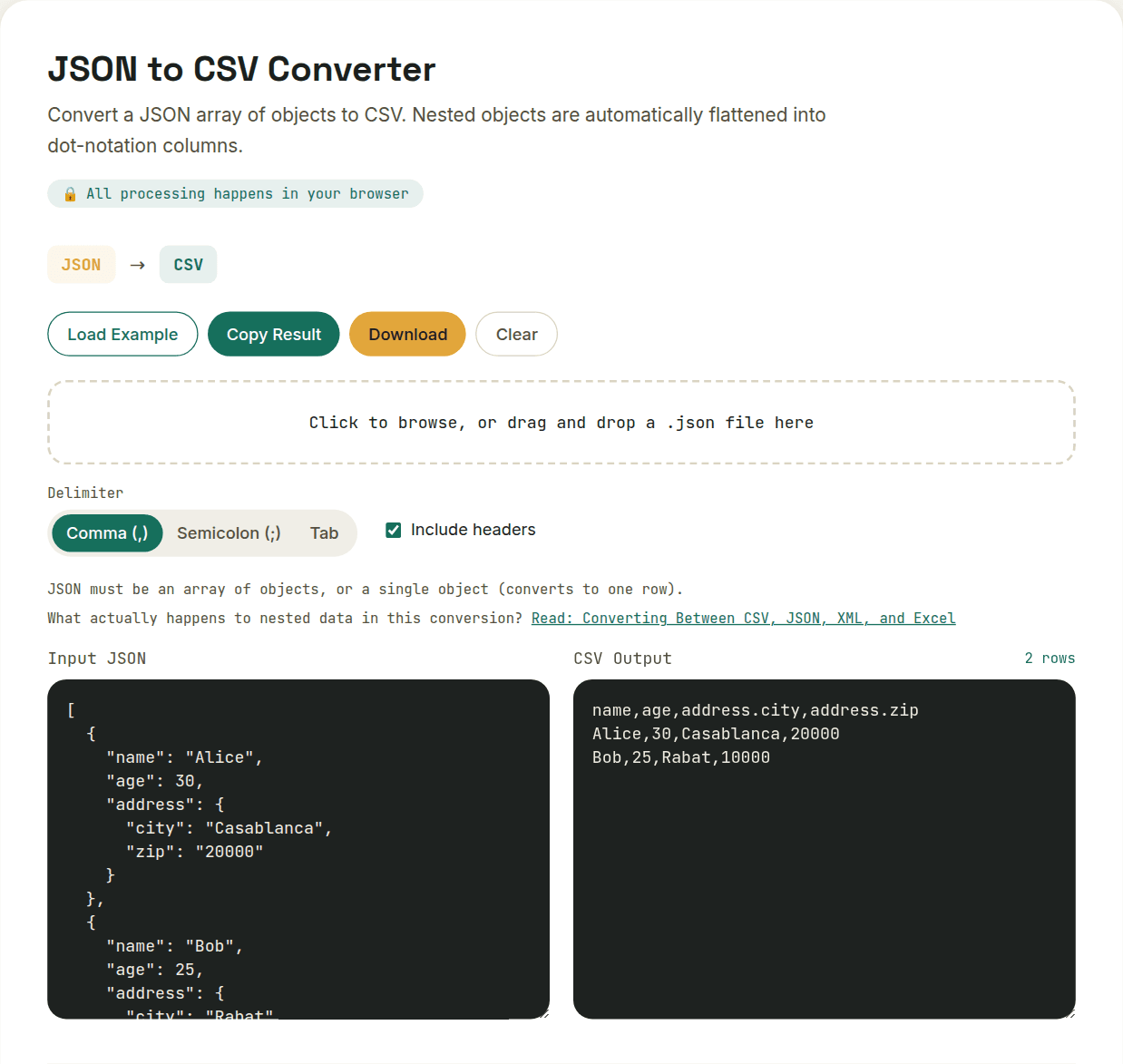
Nested objects: dot notation is close to lossless
{ "address": { "city": "NYC", "zip": "10001" } } becomes two columns, address.city and address.zip — the structure survives, just renamed into the column header. This works at any nesting depth, though very deep nesting produces increasingly long, awkward column names.
Arrays: no convention is fully lossless
- Serialize as a JSON string in one cell — preserves the full array structure but requires re-parsing that cell's content if you need the values individually later
- Join with a delimiter (e.g. "a; b; c") — human-readable, but breaks if any value itself contains the delimiter
- Numbered columns (tags.0, tags.1, tags.2) — keeps each value queryable as its own column, but the column count has to match the longest array in the dataset, leaving blank cells for shorter ones
The practical takeaway
If your JSON's arrays are short and simple (a handful of tags or IDs), any of these conventions works fine for a quick export. If the arrays vary wildly in length or hold complex nested objects themselves, it's worth checking exactly which convention your converter uses before assuming the CSV output is faithful to the original structure.
Want to try this yourself?
Open JSON to CSV Converter →