July 27, 2026
Excel to XML: Getting Spreadsheet Data into a Schema-Friendly Format
Converting Excel to XML reads the first sheet of your workbook and wraps each row in a <row> element, with columns becoming child elements — the same flattening logic as CSV-to-XML, since both start from tabular data. The detail most likely to trip you up: which sheet gets converted, since XML has no built-in multi-sheet concept the way a workbook does.
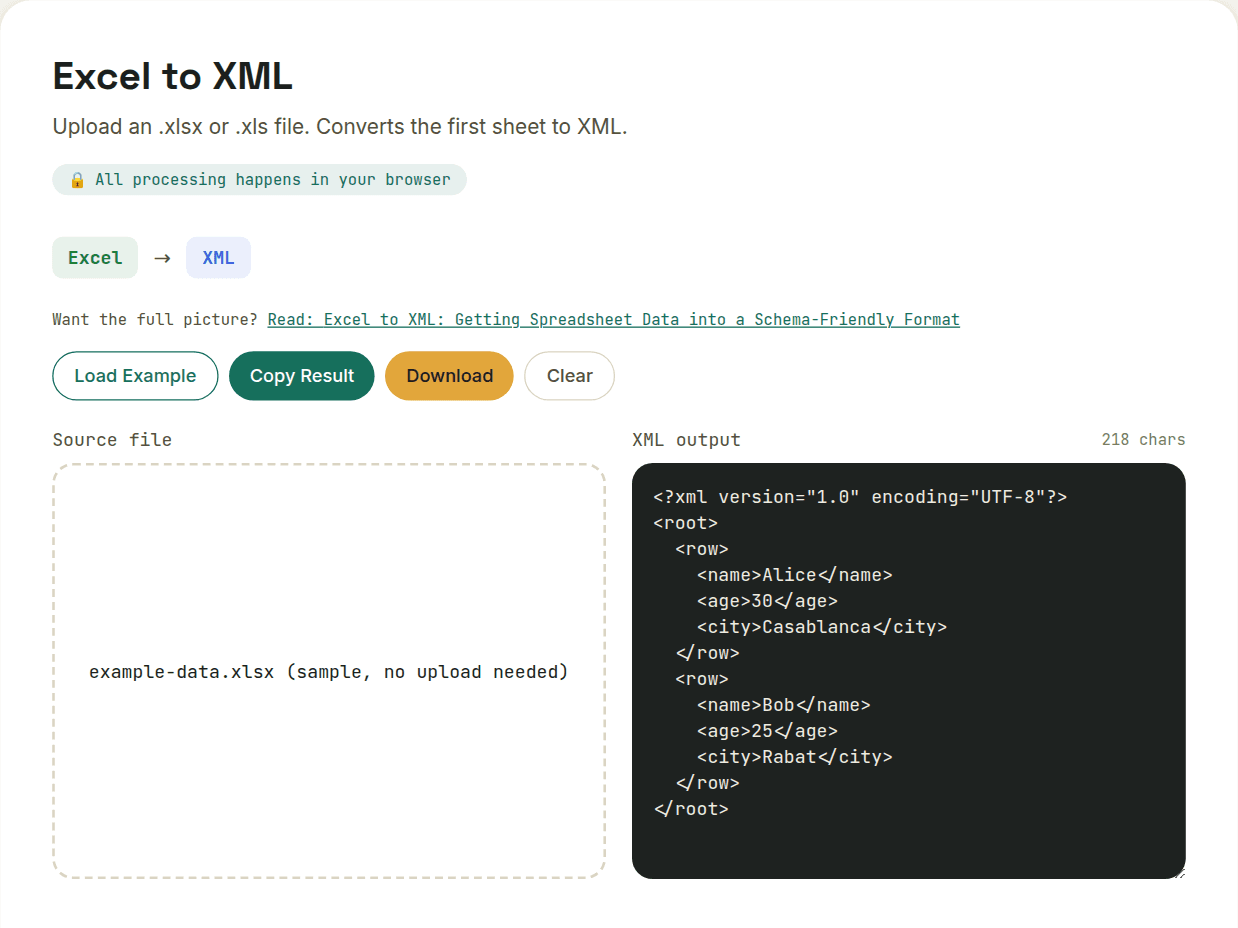
Rows become elements, same as CSV-to-XML
The underlying transformation is functionally identical to converting CSV to XML, since both start from a flat, tabular structure: each spreadsheet row becomes a wrapped element (commonly <row> or a more specific name like <record>), and each column becomes a child element named after its header, all nested inside a single root element that XML requires.
<records>
  <record>
    <productName>Widget</productName>
    <price>19.99</price>
  </record>
</records>
Which sheet, exactly?
Excel workbooks routinely hold multiple sheets, and XML has no built-in "multi-sheet" concept the way a workbook does — a converter needs you to specify which sheet to convert, or it will default to the first/active one. If your workbook has data spread across several tabs, this is the detail most likely to trip you up: double-check you're converting the sheet you actually intend to.
Formulas resolve to their calculated values
As with any Excel export, a formula cell contributes its computed result to the XML output, not the formula itself — there's no XML equivalent for "this value is derived from A1+B1," so if you need the calculation logic preserved, keep the original workbook alongside the exported XML rather than treating the XML as a complete substitute.
Element-name sanitization, same rules as CSV
Column headers that aren't valid XML element names — ones with spaces, symbols, or a leading digit — get sanitized in the conversion. A header like "Unit Price ($)" won't survive character-for-character; expect it to be cleaned up into something like UnitPrice in the output, and plan your downstream XML parsing around the sanitized names rather than the original headers.
Want to try this yourself?
Open Excel to XML →