August 14, 2026
CSV to XML: Handling Encoding, Special Characters, and Escaping
Converting CSV to XML requires escaping five specific characters inside element content — &, <, >, ", and ' — because XML treats them as syntax, not literal text. A CSV cell containing "Smith & Sons" has to become Smith & Sons inside the XML output, or the resulting document is invalid and will fail to parse.
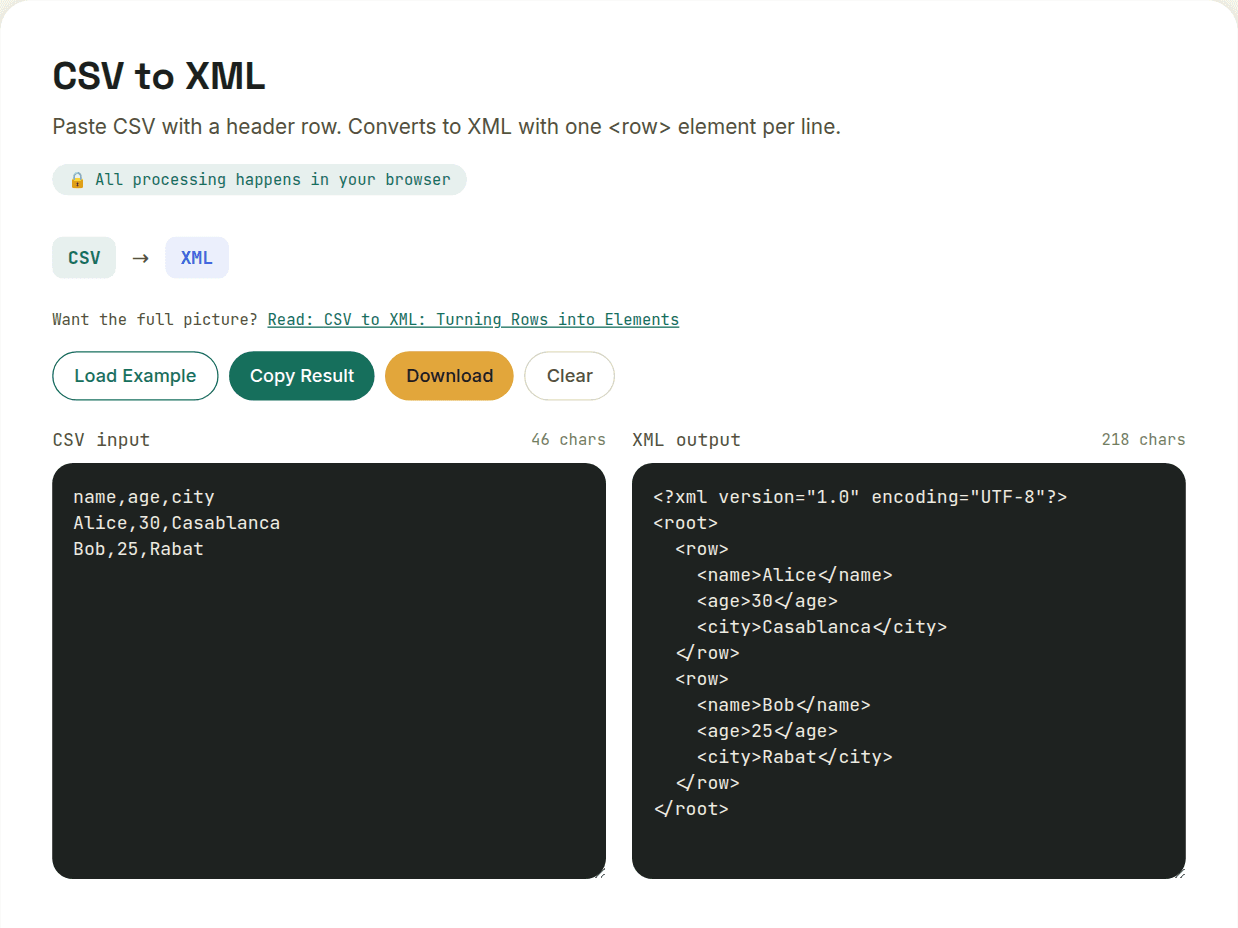
The five characters that need escaping
- & becomes &
- < becomes <
- > becomes >
- " becomes " (mainly relevant inside attribute values)
- ' becomes ' (mainly relevant inside attribute values)
A correct converter applies this escaping automatically to every field's content — this is a mechanical, not optional, step, since unescaped versions of these characters make the output invalid XML, not just unusual-looking XML.
Encoding declarations matter too
The XML declaration at the top of the document (<?xml version="1.0" encoding="UTF-8"?>) has to match the actual byte encoding of the file content. A CSV that was saved in a non-UTF-8 encoding (common in older exports from Windows-based tools) and converted without re-encoding it first will produce an XML file whose declared encoding doesn't match its actual bytes — a mismatch that some XML parsers reject outright and others silently misinterpret.
What to check if the output looks wrong
If accented characters or symbols look garbled after conversion, check the source CSV's actual encoding before assuming the converter mishandled it — many CSV files exported from spreadsheet tools default to a locale-specific encoding rather than UTF-8, and that mismatch is the more common root cause.
Want to try this yourself?
Open CSV to XML →