July 23, 2026
CSV to XML: Turning Rows into Elements
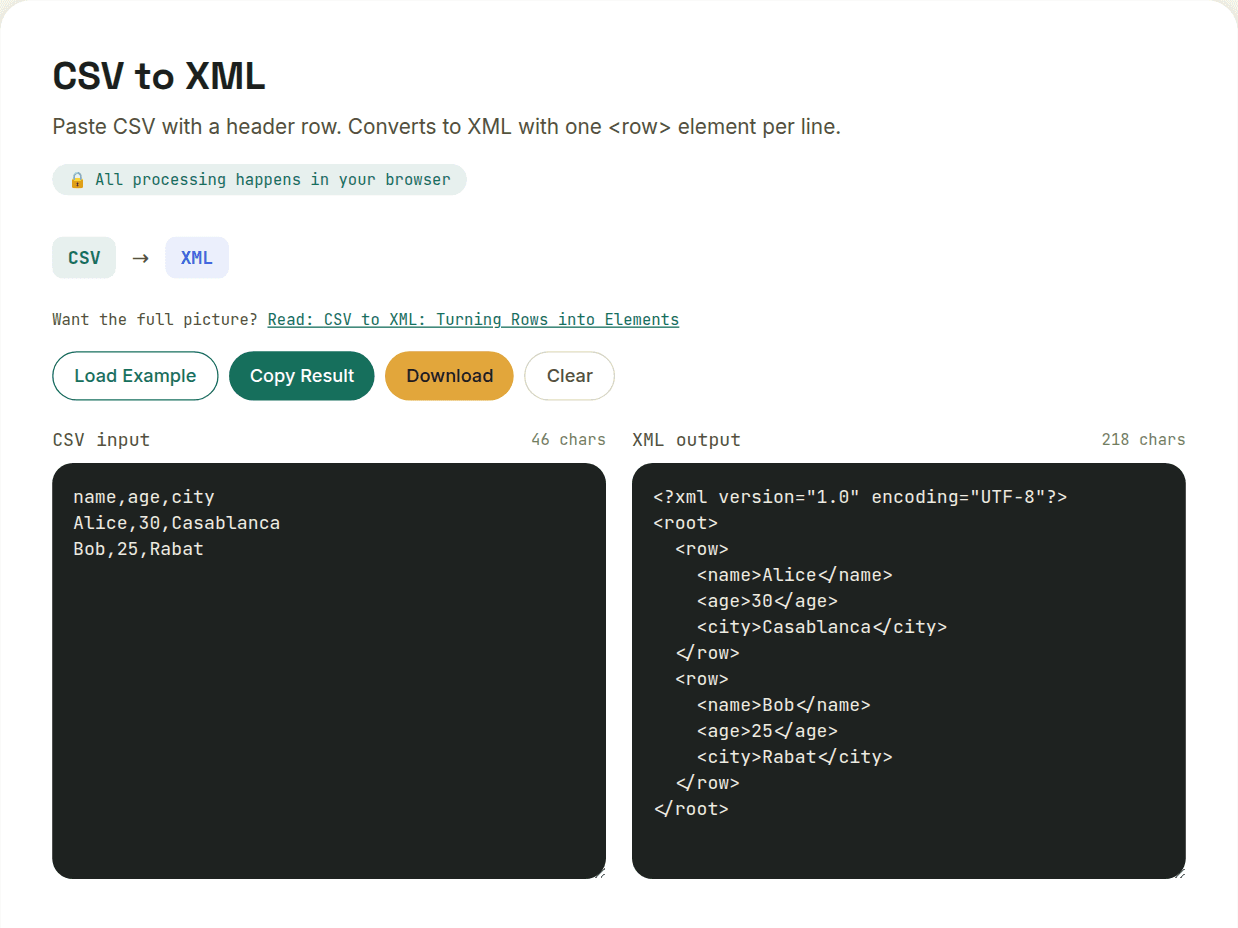
Converting CSV to XML wraps each row in a <row> element with each column becoming a child element — since CSV is flat, every row maps directly to one XML element with no flattening or type-guessing required, unlike JSON conversions. The main constraint: XML element names can't start with a digit or contain spaces, so column headers with those characters get sanitized in the output.
The row-wrapper convention
Since CSV doesn't name its records, a converter has to invent an element name for each row — commonly something generic like <row> or <record>, with each column becoming a child element named after its header. A CSV of name,age with one row "Sam,29" becomes:
<rows>
  <row>
    <name>Sam</name>
    <age>29</age>
  </row>
</rows>
That outer <rows> wrapper exists because XML requires exactly one root element — you can't have multiple sibling <row> elements floating at the top level of a document, so they all need a common parent.
Column headers become element names, with restrictions
XML element names have real constraints that CSV headers don't: they can't start with a digit, can't contain spaces, and can't contain most punctuation. A CSV header like "2024 Revenue ($)" isn't a valid XML element name as-is — a converter has to sanitize it (stripping invalid characters, prefixing a digit-led name) to produce well-formed XML, which means your output element names may not exactly match your original headers.
Everything becomes text content
Unlike JSON, XML doesn't distinguish number, boolean, and string types at all — every element's content is just text, and it's up to whatever consumes the XML later to interpret "29" as a number if needed. This actually makes CSV-to-XML more predictable than CSV-to-JSON in one specific way: there's no type-inference guessing to get wrong, because XML doesn't have types to infer in the first place.
- Best use case: feeding tabular data into a system that requires XML for schema validation or legacy integration
- Watch for: column headers with spaces, symbols, or leading digits — they'll be sanitized in the output
- Watch for: empty cells — decide whether they should become empty elements or be omitted entirely, since conventions vary
Want to try this yourself?
Open CSV to XML →