July 20, 2026
CSV to JSON: What Actually Happens to Your Data
Converting CSV to JSON turns each row into a JSON object, with the header row's columns becoming keys — mechanically simple, but getting types right (should "29" become the number 29 or stay the string "29"?) is where real bugs hide. Here's what a converter actually does and where to double-check its output.
The basic mapping
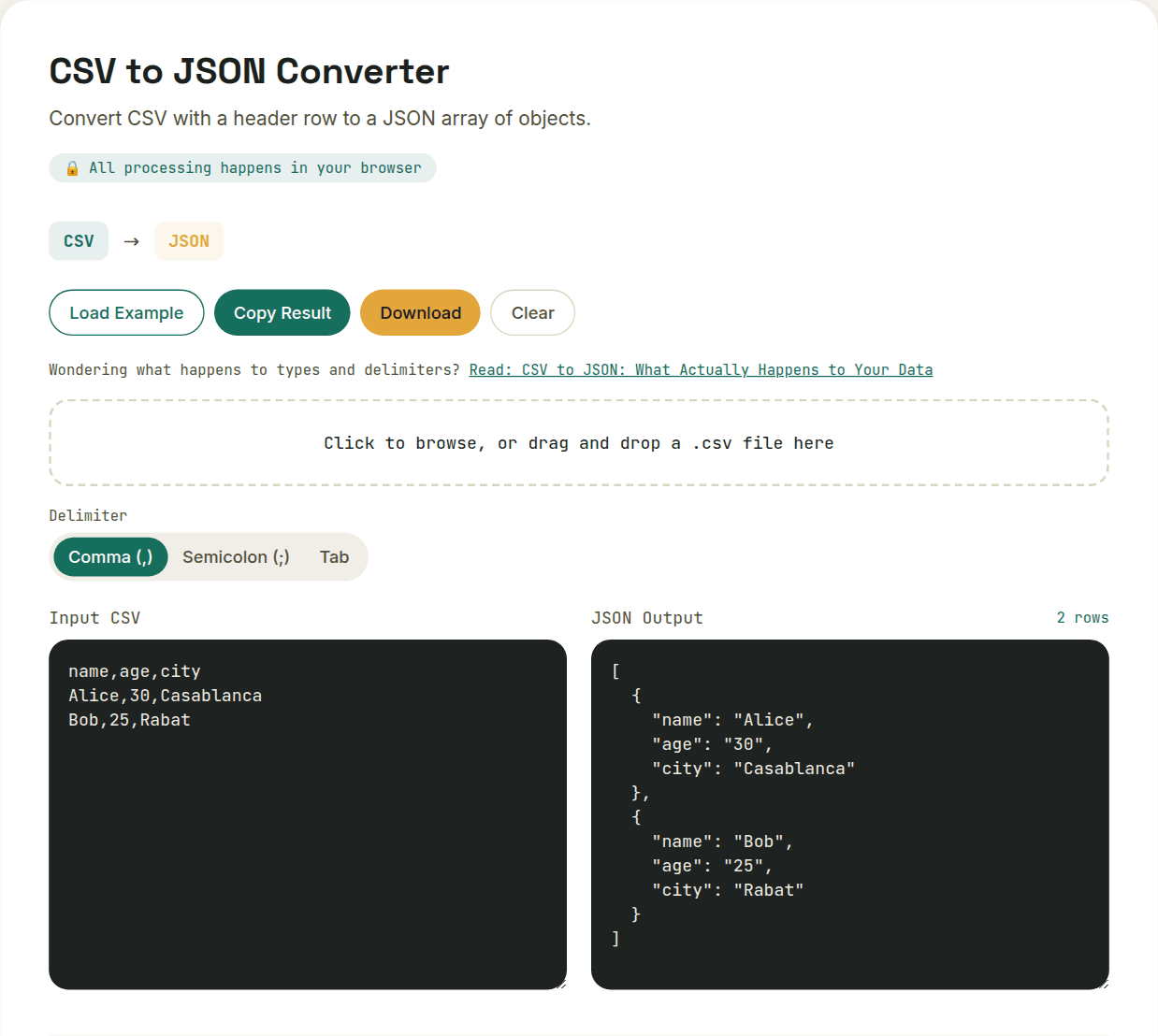
Each row in the CSV becomes one JSON object. Each column header becomes a key in that object. A CSV with a header row of name,age,active and one data row of "Sam,29,true" becomes a single JSON object: { "name": "Sam", "age": "29", "active": "true" } — note those values started as pure text.
The type-inference problem
CSV has no concept of data types — every value is just a string. JSON does distinguish numbers, booleans, and strings, so a converter has to decide whether "29" should become the number 29 or stay the string "29", and whether "true" should become an actual boolean. A good converter infers sensibly, but it's worth checking the output before feeding it into code that expects a specific type, especially for IDs that look numeric but should stay strings (a ZIP code like "00501" loses its leading zero if converted to a number).
Handling quoted fields and embedded commas
CSV's escaping rules are easy to get wrong by hand: a field containing a comma must be wrapped in double quotes, and a literal double quote inside a quoted field is represented by doubling it (""). A correct parser handles this automatically — a naive one that just splits on commas will silently corrupt any row where a text field contains a comma, like an address or a product description.
What you don't get back: nesting
CSV is flat by nature, so a straightforward CSV-to-JSON conversion produces flat objects — no nested structure, even if the column headers use dot notation. If you need genuinely nested JSON output, that's a separate transformation step after the conversion, not something CSV's structure can express on its own.
- Good use case: importing a spreadsheet export into an API that expects a JSON array of records
- Good use case: converting a database CSV dump into JSON for a JavaScript app to consume
- Check carefully: numeric-looking IDs or codes that should remain strings
Want to try this yourself?
Open CSV to JSON Converter →