July 26, 2026
CSV to Excel: Turning Plain Text into a Real Spreadsheet
Converting CSV to Excel is additive, not lossy — XLSX supports everything CSV does plus real spreadsheet features like multiple sheets, formulas, and formatting, so nothing in a valid CSV has to be dropped to fit. The one thing worth double-checking is type inference: values like ZIP codes with leading zeros or long ID numbers can get silently reformatted once treated as real numbers.
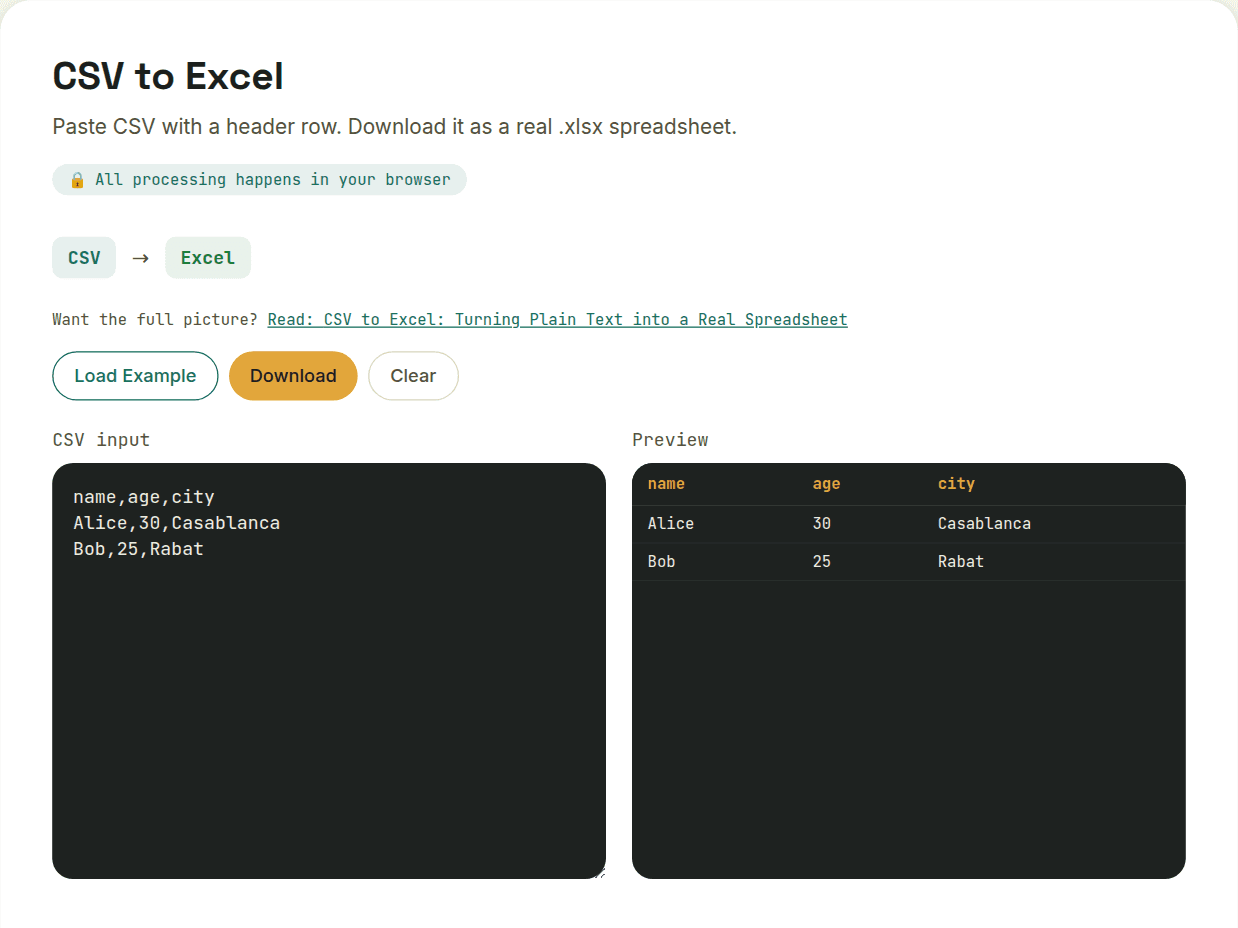
The basic conversion is mechanical
Each CSV row becomes a spreadsheet row, each comma-delimited value becomes a cell, and the file gains proper sheet structure it didn't have before — you can now add a second sheet, apply formatting, or write formulas referencing the imported data, none of which a plain CSV could ever support.
Type inference matters here too
CSV data is always plain text, with no distinction between a number, a date, and a string. A good CSV-to-Excel converter infers reasonable types — turning "29" into an actual numeric cell rather than text, so it can be summed or averaged — but this inference can misfire on values that look numeric but shouldn't be treated that way, like a ZIP code ("00501") that loses its leading zero, or a long ID number that gets rounded or converted to scientific notation once treated as a true number.
- Leading-zero values (ZIP codes, phone extensions) — verify these didn't get silently converted to plain numbers
- Long numeric IDs — check they weren't shifted into scientific notation
- Date-like strings — confirm they parsed into the date format you expected, not a different regional format
Character encoding is the other common snag
CSV files don't self-declare their character encoding, and older CSV exports (particularly from legacy Windows tools) sometimes use an encoding other than UTF-8. If accented characters or special symbols look garbled after conversion, the source CSV likely wasn't UTF-8-encoded — worth checking the original file's encoding before assuming the converter did something wrong.
Why bother, instead of just opening the CSV directly in Excel
You can double-click a CSV and Excel will open it, but that's not the same as converting it — the file on disk is still a CSV until you explicitly save it as XLSX. Converting up front gives you a real spreadsheet file immediately, which matters when you need to hand off a proper .xlsx to someone or a system that specifically expects that format.
Want to try this yourself?
Open CSV to Excel →