August 7, 2026
Why Your CSV Won't Parse: Delimiters, Quotes, and Line Endings
Most CSV parsing failures come down to four causes: the wrong delimiter, inconsistent quoting around fields, mismatched line endings, or an encoding mismatch. Each one has a distinct symptom, which makes them straightforward to diagnose once you know what to look for.
Wrong delimiter
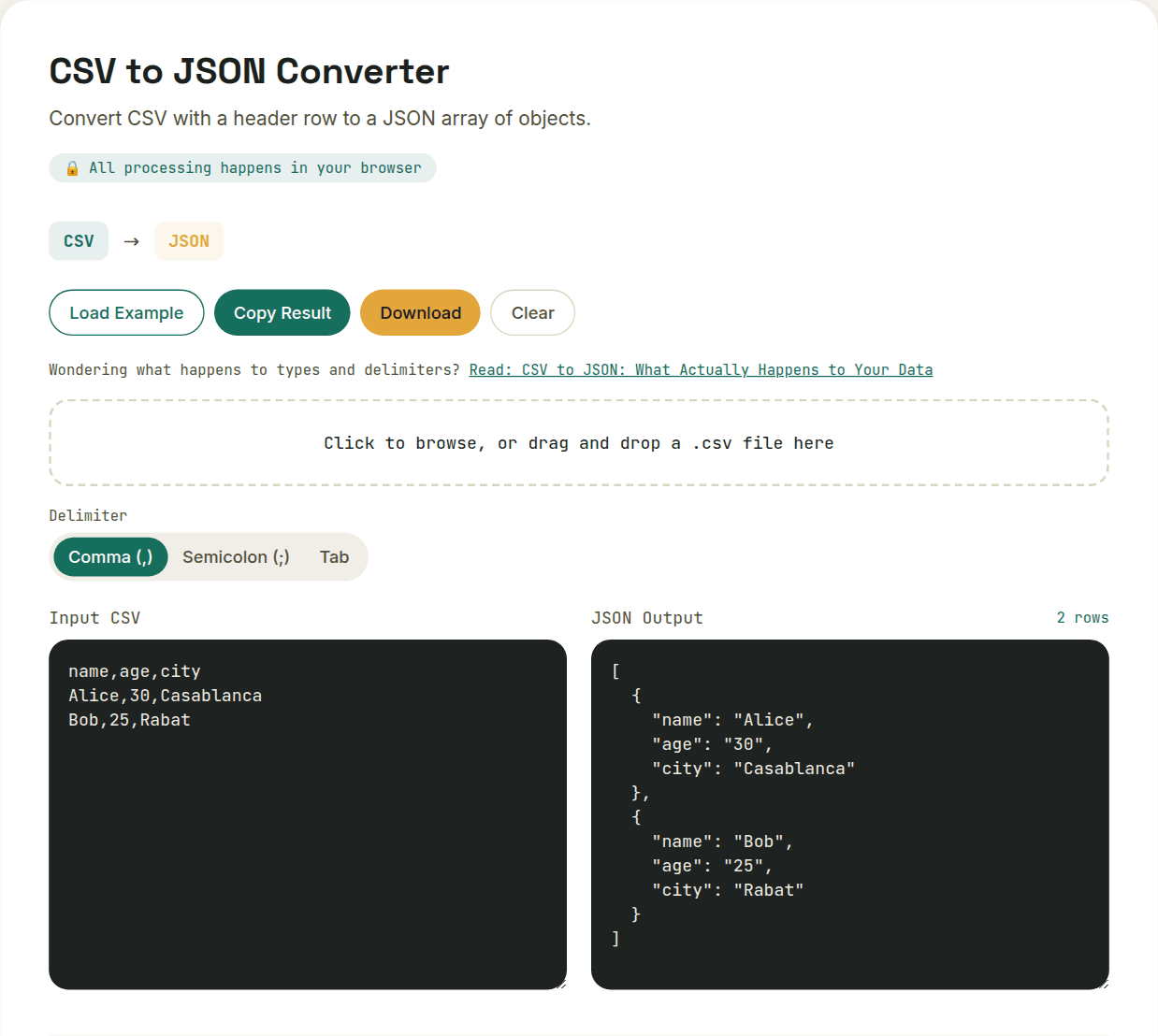
If your parser assumes a comma but the file actually uses semicolons — common in exports from European locales, where the comma is already the decimal separator — the entire row gets read as a single column, and nothing maps to the fields you expect. The fix is either detecting the actual delimiter used or letting the parser try a few common ones (comma, semicolon, tab) and picking whichever produces a sane column count.
Inconsistent quoting
A field containing the delimiter itself — like "Smith, John" in a comma-separated file — must be wrapped in quotes so the parser reads it as one value instead of two. Different exporters follow different conventions: some quote every field, some only quote when necessary, and some use backslash escaping instead of doubled quotes for a literal quote inside a field. A file written with one convention and read with a parser expecting another produces garbled or shifted data.
Line ending mismatches
RFC 4180 specifies CRLF (carriage return plus newline) as the correct CSV line ending, but files exported from different operating systems mix CRLF and plain LF inconsistently. A parser that assumes one and encounters the other can either merge two rows into one or leave a stray character visible at the end of every line.
Encoding mismatches and invisible characters
A CSV saved as Latin-1 but read as UTF-8 (or vice versa) turns accented characters into garbage. A byte-order-mark (BOM) at the start of a file — invisible in most text editors — can silently attach itself to the first column's header, breaking any code that looks up that column by exact name. Both are easy to miss because the file looks completely normal when opened casually.
Want to try this yourself?
Open CSV to JSON Converter →