September 23, 2026
10 Common Regex Patterns for Email, Phone, and URL Validation
There's no single regex that perfectly validates every real email address — the RFC 5322 spec that defines a valid address is far too permissive for a practical pattern to fully cover. What follows are the pragmatic patterns developers actually use for email, phone, and URL validation, each one a reasonable tradeoff between strictness and false rejections.
^[^\s@]+@[^\s@]+\.[^\s@]+$
This is the pattern most production codebases actually use: no whitespace or @ before the @, no whitespace or @ in the domain, and at least one dot after it. It rejects obviously malformed input without trying to enforce the full RFC spec — which, taken literally, would accept addresses no real mail server does and reject some that are technically valid. For real validation, sending a confirmation email beats any regex.
US phone number (flexible formatting)
^\(?\d{3}\)?[-.\s]?\d{3}[-.\s]?\d{4}$Matches (555) 123-4567, 555-123-4567, 555.123.4567, and 5551234567 in one pattern — the optional groups (?...? and [-.\s]?) handle the formatting variations without needing separate patterns for each style.
URL
^https?:\/\/[\w.-]+\.[a-zA-Z]{2,}(\/\S*)?$Requires an http:// or https:// scheme, a domain with at least one dot and a letters-only TLD, and an optional path after it. Like the email pattern, this trades some edge-case strictness (internationalized domains, unusual TLDs) for a pattern that's actually readable and won't reject valid modern URLs it wasn't specifically written to handle.
Hex color code
^#([A-Fa-f0-9]{6}|[A-Fa-f0-9]{3})$Matches both the 6-digit (#1a2b3c) and shorthand 3-digit (#abc) forms CSS accepts, with a leading # required.
Strong password
^(?=.*[a-z])(?=.*[A-Z])(?=.*\d)(?=.*[\W_]).{8,}$Four lookaheads, each checking for one required character class (lowercase, uppercase, digit, symbol) without consuming any characters, followed by a minimum-length check. This is the classic "password strength" pattern — see our regex lookahead/lookbehind guide for exactly how the (?=...) syntax pulls this off.
Test before you ship
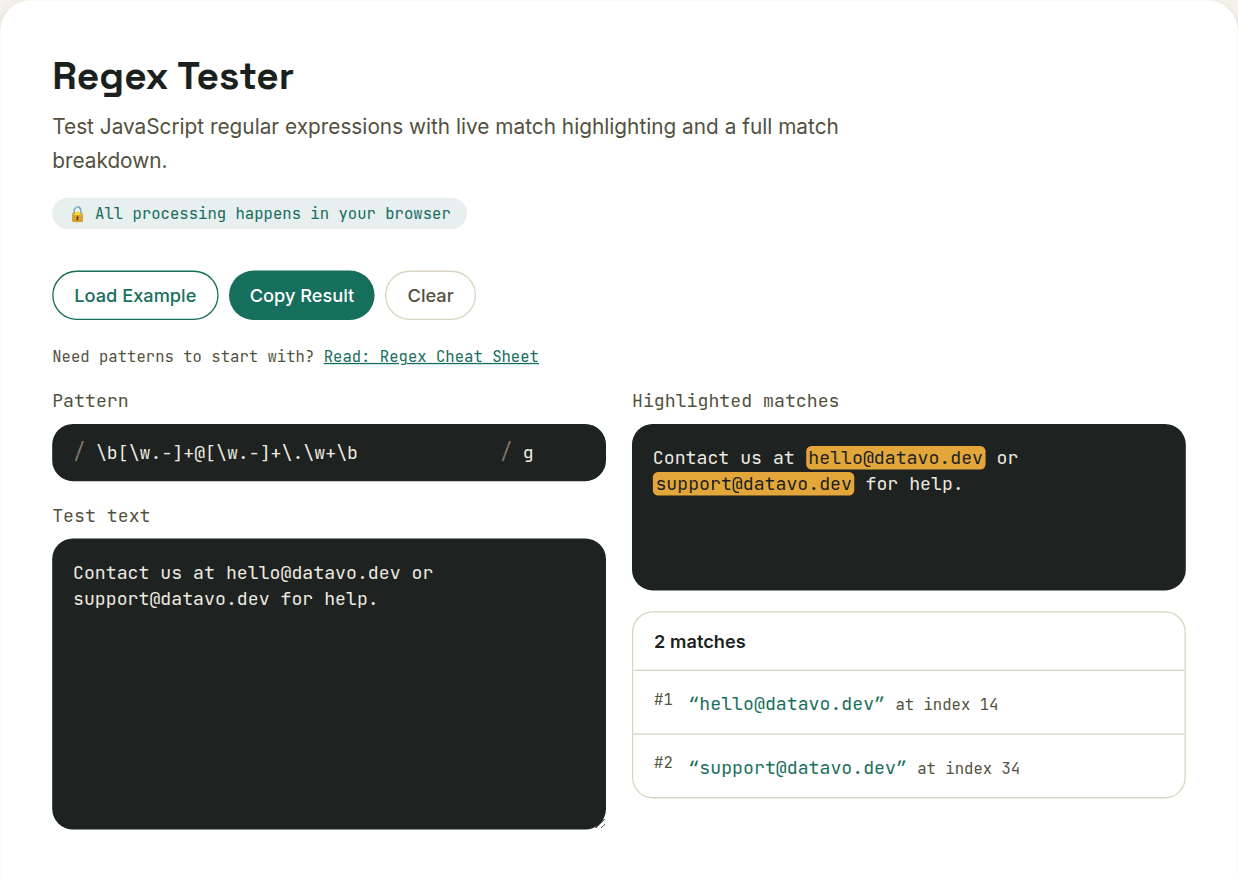
Every one of these patterns has edge cases it doesn't handle — that's inherent to using regex for validation at all, not a flaw specific to these. The right move is always to paste your pattern against real sample data, including the malformed inputs you're trying to catch, before it goes anywhere near production. That's exactly what a regex tester is for.
Want to try this yourself?
Open Regex Tester →