August 1, 2026
Common JSON Syntax Errors and How to Fix Each One
Most JSON parse errors come down to a small set of causes: a trailing comma before a closing bracket, single quotes instead of double quotes, an unquoted key, or a stray comment — all things JavaScript tolerates but strict JSON forbids. Here's each one, what the error message actually means, and how to fix it.
Trailing commas
A comma right before a closing } or ] causes an immediate error in every JSON parser, because the JSON spec (RFC 8259) explicitly forbids it. The error message is often misleading: it typically points at the closing bracket itself ("Unexpected token } in JSON at position N"), not the comma that actually caused it, since that's where the parser gives up.
Single quotes instead of double quotes
JavaScript accepts both 'text' and "text" for strings. JSON accepts only double quotes — for both keys and values. A JSON string built by hand or copied from JavaScript source code often carries single quotes over by mistake, and the fix is a straightforward find-and-replace once you know that's the cause.
Unquoted keys
{name: "Sam"} is valid JavaScript object-literal syntax but invalid JSON — every key must be wrapped in double quotes: {"name": "Sam"}. This mistake is extremely common specifically because JSON and JavaScript object literals look almost identical, and only one of them requires quoted keys.
Comments
JSON has no comment syntax at all — no //, no /* */. A config file copied from a JavaScript or JSONC (JSON with Comments) source and pasted into a strict JSON context will fail the moment a parser hits a comment it doesn't recognize as valid syntax.
"Bad control character in string literal" / "0x0a is invalid within a JSON string"
This one means a literal, unescaped newline, tab, or other control character (like 0x0a, the raw newline byte) ended up inside a JSON string value — usually from copy-pasting multi-line text straight into a string without escaping it first. JSON strings can't contain a real line break; a newline inside a string has to be written as the two-character escape sequence \n, not an actual line break in the raw text. The fix is running the text through a proper JSON encoder (or manually replacing real newlines with \n) rather than pasting multi-line text directly between the quotes.
The fastest way to find the actual problem
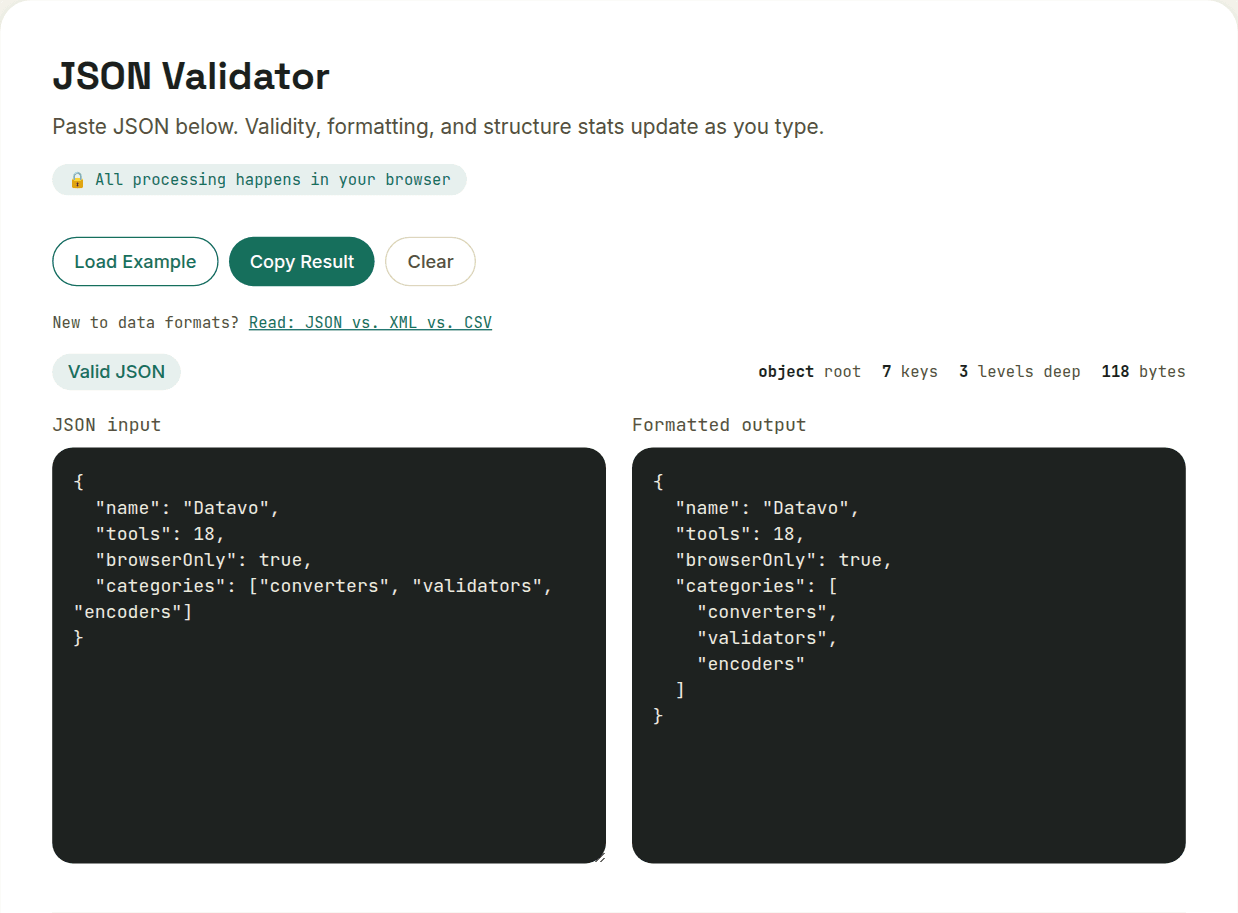
A JSON validator's real value isn't just saying "invalid" — it's pointing at the exact line and character where parsing failed, since error messages from language runtimes are often generic and non-obvious. Paste the raw text in, and the location where parsing breaks tells you which of these causes you're actually dealing with, usually in seconds.
Want to try this yourself?
Open JSON Validator →