July 13, 2026
Base64 Encoding Explained: What It Actually Does and When to Use It
Base64 encodes binary data into plain text using only 64 printable ASCII characters, so it can travel safely through systems built for text — it is not encryption, and anyone can decode it back instantly with no key required. Here's what it's actually doing and where you'll run into it.
What Base64 actually is
Base64 is a way to represent binary data using only 64 printable ASCII characters (A-Z, a-z, 0-9, +, /). It exists because a lot of older systems — email protocols, some text-based APIs, URLs — were only designed to safely handle plain text, not arbitrary binary bytes. Base64 repackages binary data into pure text so it can travel through those systems intact.
It is not encryption
This is the single most common misunderstanding. Base64 is an encoding, not a cipher — there's no secret key, and anyone can decode it back to the original data instantly, with zero special knowledge required. If you see a password or token "protected" by Base64 alone, it is not protected at all; it just looks unreadable at a glance.
Why the output is always ~33% longer
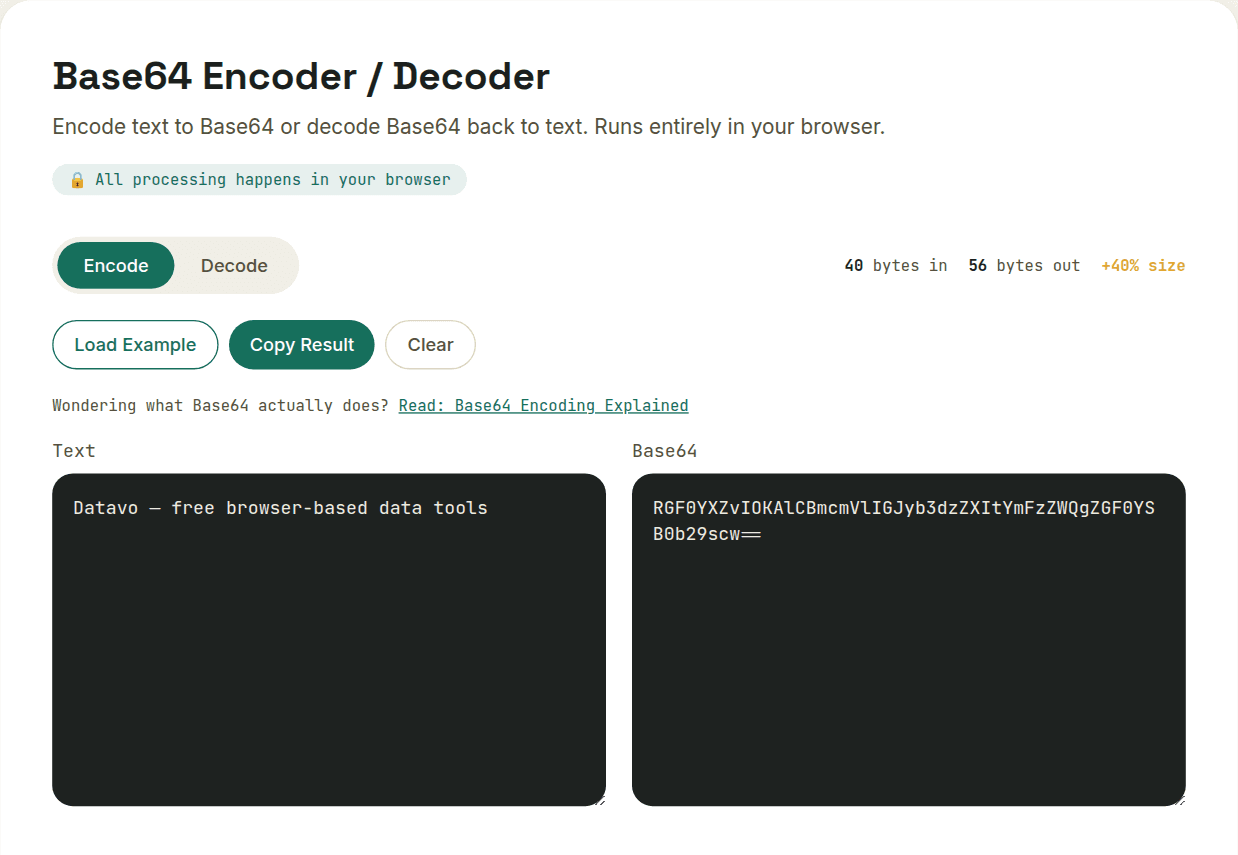
Base64 encodes every 3 bytes of input as 4 characters of output. That fixed ratio is why encoded text is reliably about a third larger than the original — it's not a bug or inefficiency, it's just the mechanical cost of using only 64 safe characters instead of the full 256 possible byte values.
Why the output sometimes ends with = or ==
Base64 processes input in fixed 3-byte chunks, but the actual data being encoded isn't always a multiple of 3 bytes long — the = padding character exists to mark that gap. If the input is 1 byte short of a full 3-byte group, the output ends in a single =; if it's 2 bytes short, it ends in ==; if it divides evenly into 3-byte groups, there's no padding at all. The padding isn't part of the data itself — it's a marker telling the decoder exactly how many of the final 4 characters represent real bytes versus filler, so it knows where the original data actually ends.
Where you'll actually run into it
- Data URLs — embedding a small image directly inside CSS or HTML as text (data:image/png;base64,...)
- JWT tokens — the header and payload segments of a JWT are Base64URL-encoded JSON
- Email attachments — MIME encodes binary attachments as Base64 to travel safely through text-based email protocols
- Basic Auth headers — HTTP's Authorization: Basic header Base64-encodes a username:password pair (again: encoding, not protection — always pair with HTTPS)
Want to try this yourself?
Open Base64 Encoder / Decoder →